Why Website Speed Matters
Website speed is an important part of creating a better digital experience. Faster pages can help visitors access information quickly, interact with content more easily and move through a website with less friction.
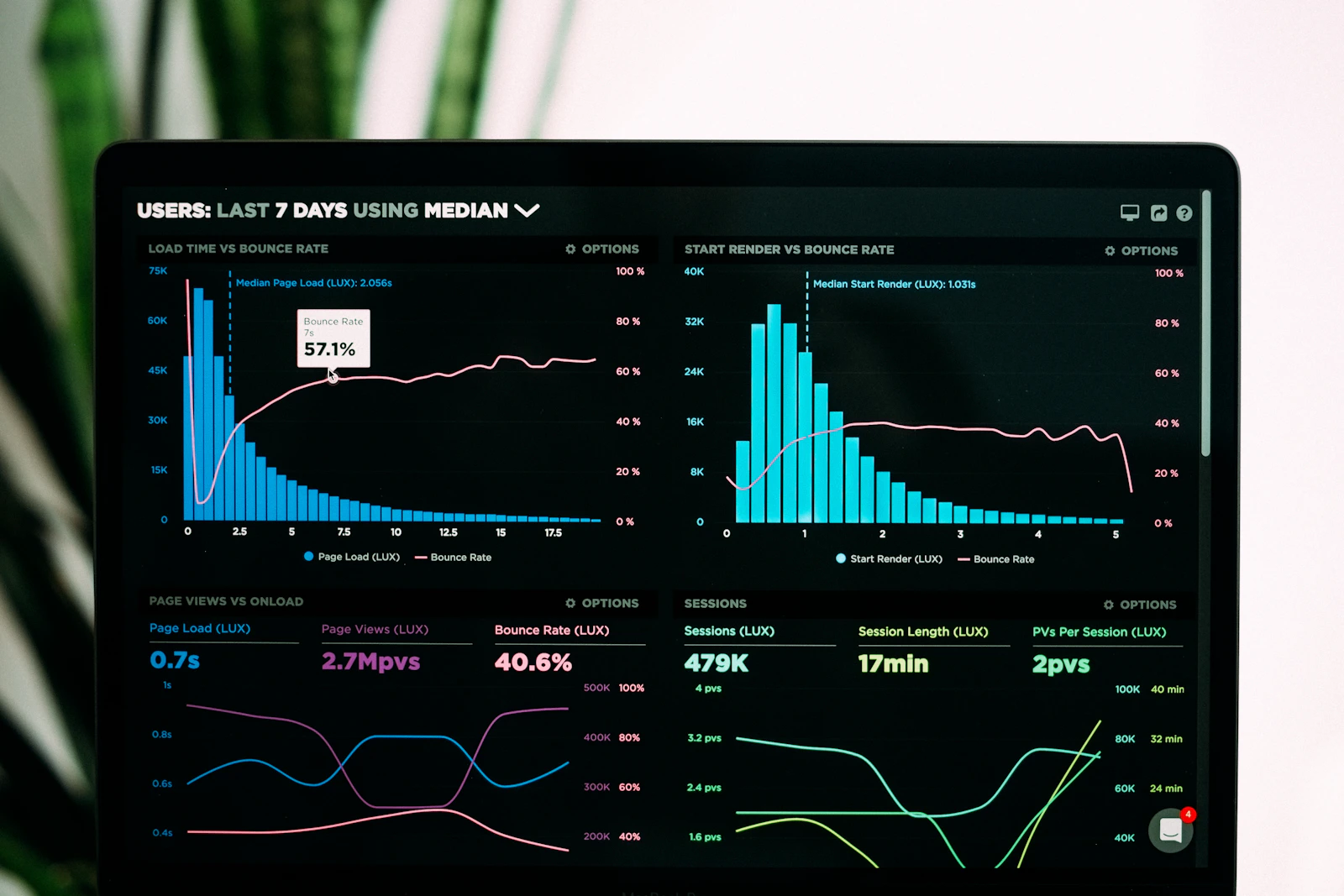
Faster Experience
Help visitors reach content efficiently.
Better Mobile Use
Improve usability across mobile devices.
Better Performance
Reduce friction throughout the user journey.
A Faster Website Creates a Better Digital Experience
Website performance affects how visitors interact with your pages, especially when they access your website from mobile devices or slower networks.
Website speed refers to how quickly a web page loads and becomes usable for visitors. In a competitive digital environment, people expect websites to respond quickly and provide useful information without unnecessary waiting. A slow website can create friction before a visitor even has the opportunity to understand your products, services or brand.
Performance is particularly important for business websites, ecommerce stores, service pages, landing pages and content platforms. When pages load efficiently, visitors can navigate between sections, view images, read information and complete actions more comfortably. When pages are slow, users may abandon a page before completing their intended journey.
Website speed should therefore be considered as part of the overall user experience and technical website quality. It is not simply about achieving a particular speed score. Developers and marketers should look at how quickly important content appears, how stable the layout remains and how responsive the interface is when users interact with it.
Improving performance can involve several technical activities, including image optimization, efficient CSS and JavaScript, browser caching, suitable hosting, compression, reduced third-party scripts and optimized page resources. The right combination depends on how the website is built and where its performance bottlenecks occur.
How Website Speed Can Affect Your Business
Performance influences several important parts of a visitor's journey, from the first page view to a potential conversion.
User Experience
Fast-loading pages make it easier for visitors to find and interact with information. A responsive website can create a smoother browsing experience across different pages and devices.
Search Performance
Page experience and technical performance are relevant parts of modern SEO. Website owners should monitor performance alongside useful content, crawlability, accessibility and other technical factors.
Conversions
Performance problems can add friction to important actions such as contacting a business, submitting a form, viewing a product or completing an online purchase.
Mobile Experience
Mobile visitors may use variable network conditions and limited device resources. Efficient pages can help provide a more practical browsing experience on smartphones and tablets.

Speed Is More Than a Number
Website performance should not be judged only by a single numerical score. Different performance metrics describe different parts of the user experience. For example, loading performance, visual stability and interaction responsiveness each provide useful information about how a page behaves.
A practical performance strategy starts by identifying the resources that create delays. Large images, unnecessary JavaScript, excessive third-party services, inefficient fonts, unoptimized code and server response problems can all contribute to slower pages. Once these issues are identified, they can be prioritized according to their impact on real users.
Continuous monitoring is also important because websites change over time. New plugins, tracking scripts, images, videos and features can gradually affect performance. Regular technical checks help developers identify regressions before they become significant user-experience problems.
Practical Ways to Improve Website Speed
Performance optimization combines front-end improvements, technical SEO practices and efficient server-side delivery.
Optimize Images
Compress large images, use appropriate dimensions and select modern image formats where suitable. Avoid loading images that users do not immediately need.
Reduce Unnecessary Code
Remove unused CSS and JavaScript, reduce unnecessary scripts and keep front-end resources efficient to minimize browser work.
Use Efficient Hosting
Server configuration and hosting infrastructure can influence response times. Choose infrastructure appropriate for your website's traffic and technical requirements.
Use Caching
Appropriate browser and server caching can reduce repeated work and help frequently requested resources load more efficiently.
Consider a CDN
A content delivery network can help deliver static resources through geographically distributed infrastructure, depending on the site's audience and architecture.
Monitor Performance Regularly
Test important pages regularly and compare laboratory and real user data where available. Use findings to prioritize technical improvements.
A Simple Website Speed Optimization Process
A structured workflow helps teams identify problems and make performance improvements without sacrificing important website functionality.
Measure Current Performance
Start by testing important pages and identifying slow resources, loading problems, layout shifts and responsiveness issues.
Identify the Main Bottlenecks
Analyze images, scripts, stylesheets, server response, fonts, third-party resources and other technical elements contributing to delays.
Prioritize High-Impact Changes
Focus first on changes that can improve important pages and real-world user experience without creating unnecessary technical complexity.
Test After Optimization
Re-test the affected pages after making changes and compare the results with the previous measurements.
Monitor Over Time
Continue monitoring website performance as new pages, plugins, scripts, media and functionality are introduced.
Make Website Performance a Priority
A well-optimized website can provide a smoother user experience, support efficient browsing and create a stronger technical foundation for your digital presence. Measure, optimize and continuously monitor performance as your website grows.